
Quick Summary
- A curiosity gap makes a viewer wonder about a specific answer; clickbait creates interest by exaggerating, hiding or misrepresenting what the video delivers.
- Earn curiosity with a concrete situation, question or result that the video actually addresses.
- Make the subject understandable even when the title withholds one detail.
- Check whether the opening begins to pay off the title, and whether the video answers the question before it ends.
- YouTube says misleading, deceptive or sensational packaging can violate its policies and that viewer satisfaction matters after the click.
A title that raises a question can work when the opening and video answer it. A title that hides the topic entirely makes a viewer guess what they are about to watch.
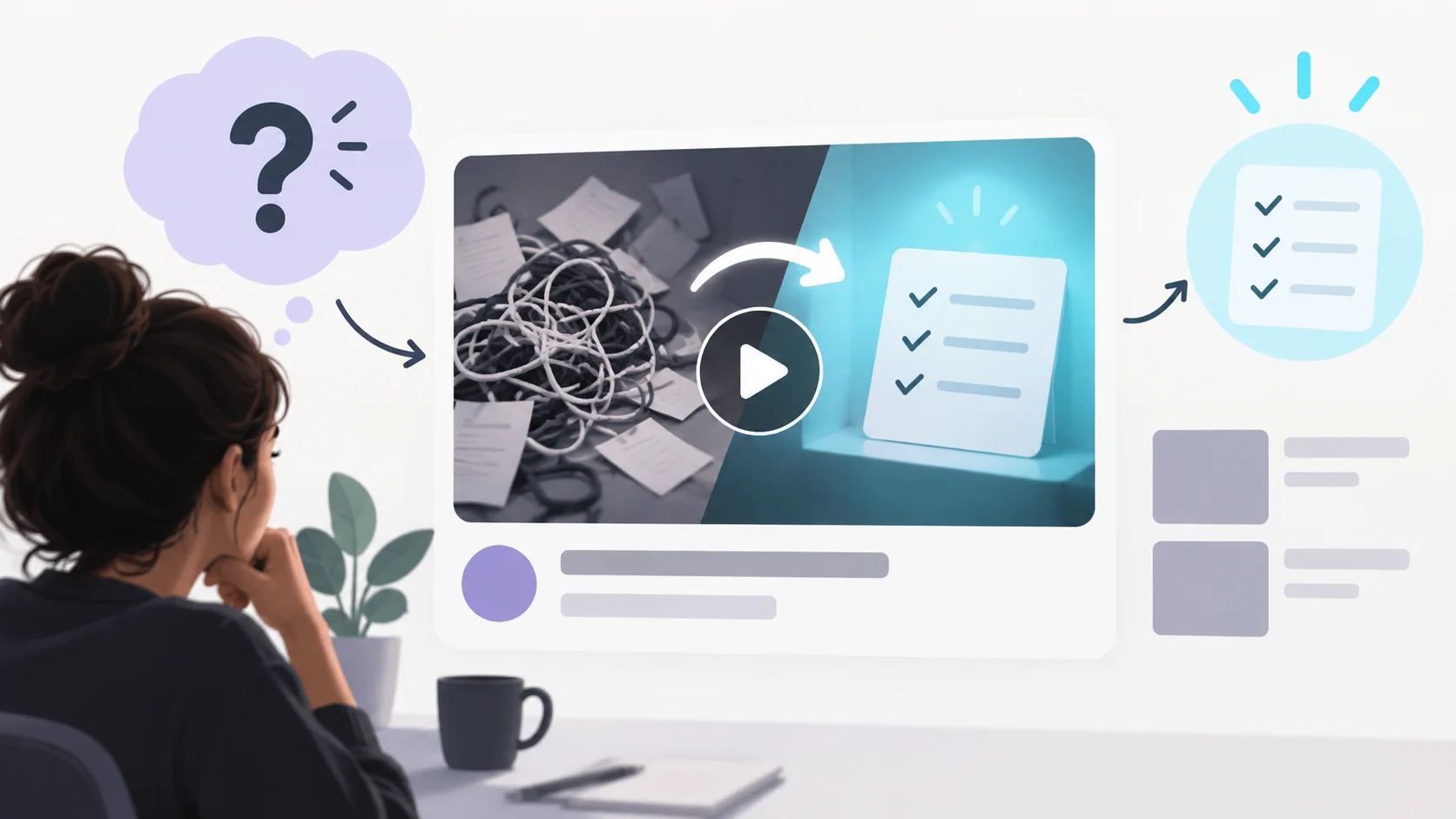
Curiosity gap vs clickbait: what is the difference?
A curiosity gap leaves one meaningful question open while giving viewers enough context to judge whether the video interests them. Clickbait commonly uses exaggerated or misleading claims to win a click that the content does not satisfy. Curiosity is a writing choice; clickbait is a mismatch between the expectation created and what the video provides.
“Why did this phone battery drain overnight?” creates a specific question if the video investigates a real battery issue. “This phone is secretly destroying your life” makes a much larger claim and would need strong evidence and a video that truly supports it. These examples are illustrative, not proven high-performing titles.
| Title draft | What the viewer reasonably expects | Use it when… |
|---|---|---|
| “Phone X Battery Overnight-la Yen Drain Aachu?” | A real overnight drain, test conditions and a plausible explanation | Your footage shows the readings and the investigation |
| “Phone X Battery: 8 Hours-la Enna Nadandhuchu?” | A documented eight-hour observation, with the outcome revealed in the video | You actually measured that interval and explain the setup |
| “Phone X Has a Secret Battery Problem!” | A widespread hidden defect | Do not use it for one unit or an unverified anecdote |
The first two keep a question open while naming the subject. The third generalizes beyond the evidence. “Phone X” is a placeholder; check both the product name and Tanglish phrasing before publication.
YouTube recommends titles that are searchable or intriguing according to how viewers may find the video. Its policy guidance also warns against deceptive, misleading or sensational titles and thumbnails. The useful test is not “will this attract attention?” but “will a reasonable viewer get what the title led them to expect?”
How to write curiosity titles for YouTube without misleading viewers
Begin with a real question, surprise or decision in the footage. State the subject and the stakes that the video can support, then decide what detail can remain open. Avoid claiming a result before the experiment has been completed or using “secret,” “shocking” or “nobody knows” when the content cannot substantiate it.
Check the title against three parts of the video:
| Check | Ask yourself | If it fails |
|---|---|---|
| Subject | Can a new viewer identify the topic? | Name the person, product, problem or situation |
| Promise | What answer or experience does the title imply? | Make the outcome narrower and more accurate |
| Payoff | Where does the video deliver that answer? | Rework the title or add the missing explanation |
The title does not need to reveal every conclusion. It does need to make the choice fair. For a practical framework that aligns the words and image, use the title and thumbnail strategy guide. The title formulas guide can help you express the same truthful promise in several structures without inventing evidence.
Why clickbait can weaken the viewer experience
A misleading promise may encourage a click from someone who is a poor fit for the content. If the video quickly contradicts the title or delays the answer without a good reason, viewers may leave disappointed. YouTube explains that its systems consider how viewers respond after publication; it does not promise that a higher CTR alone produces more recommendations.
That is why a curiosity gap should create anticipation, not conceal a basic fact the viewer needs to assess the video. A title can be compelling and specific at the same time.
What is clickbait in marketing?
Clickbait is packaging designed to attract clicks through exaggerated, misleading or incomplete claims that the content does not fulfill. In YouTube's context, title and thumbnail should represent the video accurately.
How can you avoid clickbait titles?
Name the subject, make a claim the video supports, and check that the opening and conclusion deliver the promised payoff. Replace unsupported superlatives with a concrete result or question.
Is clickbait banned on YouTube?
YouTube's policies prohibit certain deceptive or misleading metadata and thumbnails. Not every intriguing title is prohibited; the key is whether it misrepresents the content or violates the current policy. Review the [YouTube Community Guidelines on spam, deceptive practices and scams](https://support.google.com/youtube/answer/2801973?hl=en) before publishing borderline claims.
Your next step
Write the plain, direct version first. Then create one curiosity-led version that withholds only a detail the video will genuinely answer. Compare both against the title promise and thumbnail guide before publishing.
Sources: YouTube thumbnail and title tips, YouTube performance FAQ and troubleshooting, YouTube Community Guidelines: spam, deceptive practices and scams